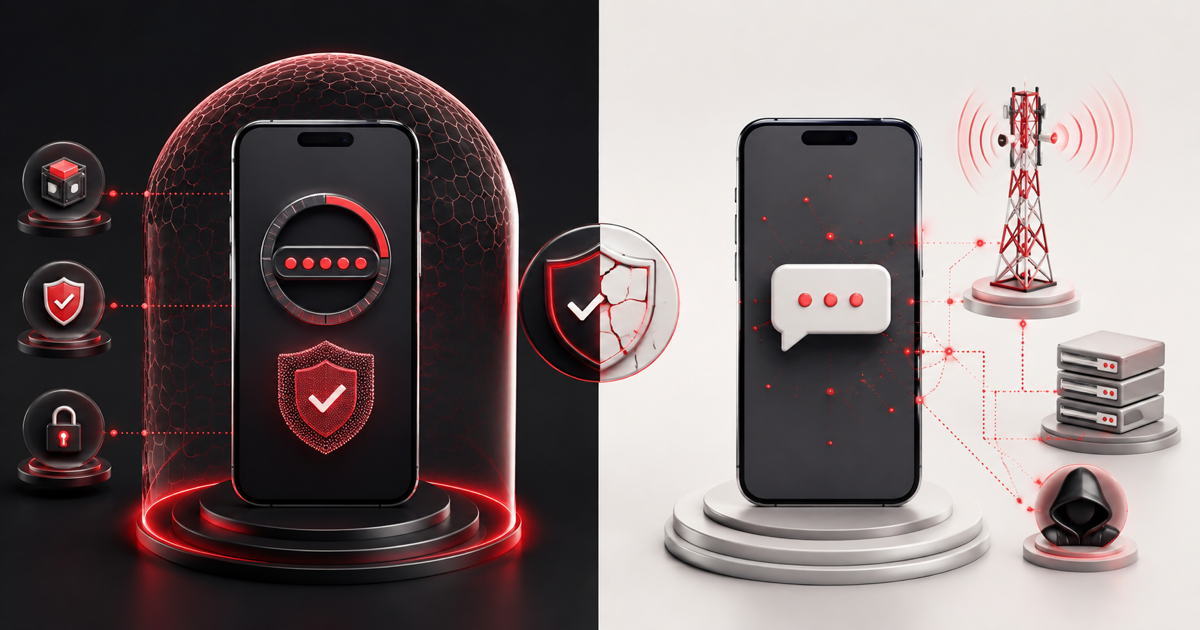
An authenticator app is generally safer than SMS for ordinary two-factor authentication. TOTP codes are generated locally and are not tied to the security of a phone number. SMS remains useful when stronger methods are unavailable, but it introduces risks from the mobile network and account recovery process.
The best available option is often a passkey or FIDO security key because it can resist phishing. This comparison focuses on choosing between app-generated codes and text messages.
Quick comparison
- Authenticator app: works offline, avoids SIM-swap risk, requires safe backup and device migration.
- SMS: easy to start, works without a separate authenticator, depends on phone service and control of the number.
- Both: improve on password-only login but can still be defeated by real-time phishing.
How authenticator app 2FA works
During setup, the service shares a private secret with the app. The app combines that secret with the current time to generate a temporary code, usually every 30 seconds. Learn more in our explanation of TOTP.
The code is generated on the device. Normal TOTP operation does not require the provider to send a message or the phone to have mobile reception.
How SMS 2FA works
After the password step, the provider sends a temporary code to a registered phone number. You receive the message and enter the code. The security of this flow depends partly on the provider, mobile carrier, telephone account, device, and recovery procedures.
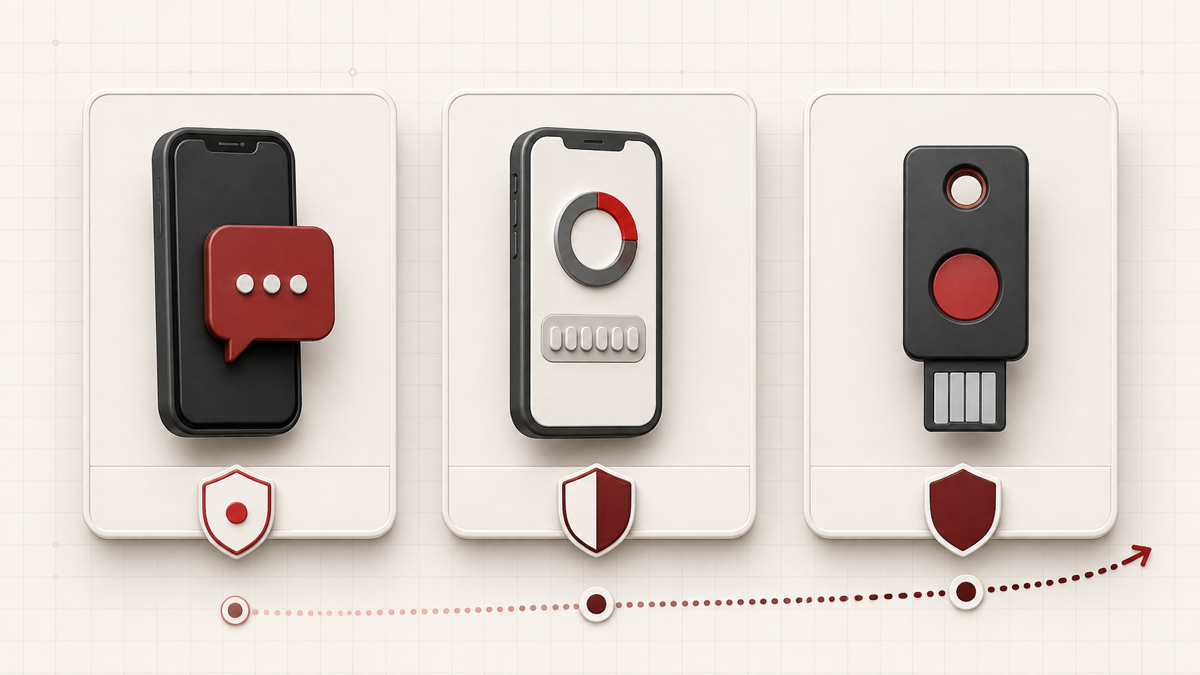
Security comparison
SIM swaps and phone-number attacks
SMS can be compromised if an attacker persuades a carrier to move your number to another SIM or exploits weaknesses in carrier and recovery systems. TOTP is not tied to the phone number, so a SIM swap alone does not transfer the authenticator secret.
Phishing
Both SMS and standard authenticator codes can be entered into a fake page and relayed immediately to the real service. Always verify the domain. Passkeys and security keys are a stronger choice against this attack because authentication is bound to the legitimate site.
Interception and delivery
SMS travels through telecommunications infrastructure and may be delayed or exposed by device previews, linked apps, malware, or network compromise. TOTP code generation remains local, although malware or an exposed setup secret can still compromise it.
Secret backup risk
Authenticator apps require a plan for losing or replacing a device. Cloud synchronization can improve recovery but changes where credential material is stored. Review the app provider’s security model and protect its account.
Convenience and reliability
SMS is familiar and requires little setup, but messages can be delayed while roaming or in areas with weak reception. TOTP works offline and is fast after setup, but migration can be more involved if the app does not offer a secure transfer method.
For either method, save provider-issued recovery codes. These emergency codes should be stored outside the device used for routine authentication.
Which method should you choose?
- Choose a passkey or hardware security key when the service supports it.
- Otherwise choose a reputable authenticator app, preferably with device protection and a recovery plan.
- Use SMS when it is the only practical second factor rather than leaving 2FA disabled.
- Avoid leaving SMS as an unnecessary fallback on a high-value account if the provider allows you to remove it.
When SMS may still be appropriate
SMS may be the only supported option, more accessible for a particular user, or a temporary step while moving to a stronger method. Security decisions should account for the value of the account, likely threats, recovery requirements, and usability.
How to move from SMS to an authenticator app
- Sign in through the official service and open security settings.
- Add an authenticator app before removing an existing recovery method.
- Scan the QR code or enter the setup key on a trusted device.
- Verify a fresh TOTP code.
- Download new recovery codes and store them safely.
- Test the new method in a separate session.
- Remove SMS only when you are confident that recovery remains possible.
Our complete 2FA setup checklist covers each stage and common mistakes.
Frequently asked questions
Is an authenticator app completely secure?
No. Device malware, phishing, insecure backups, and exposed setup keys remain risks. It is stronger than SMS against phone-number takeover, but not as phishing-resistant as a properly implemented passkey or security key.
Can an authenticator app work without a SIM card?
Yes. TOTP needs the stored secret and accurate device time, not a SIM card or mobile service.
Is SMS 2FA better than no 2FA?
In many common threat situations, yes. A password plus SMS creates an additional barrier. Use a stronger option when one is available and suitable.
Can I test a TOTP setup key?
For an account you own or manage, you can use the browser-based 2FA generator. Protect the key as carefully as a password and review our privacy information first.